Best Digital Business Card for Professionals: What to Look For
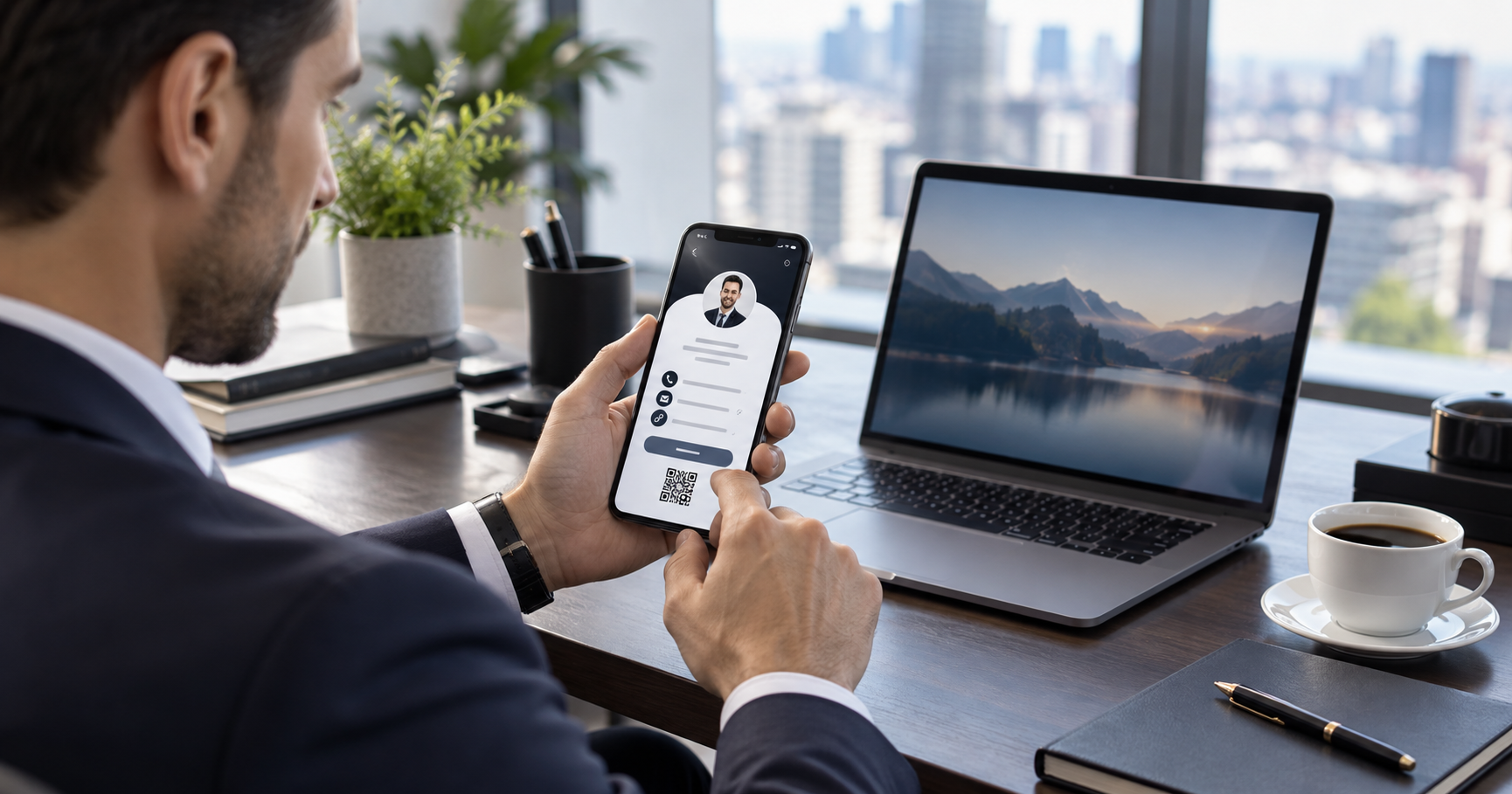
The best digital business card is not just a profile link. It should make you easier to trust, save, contact and remember.
When someone searches for the best digital business card for professionals, they are usually past curiosity. They want to know what separates a serious business tool from a template link page.
The answer is not one flashy feature. A strong smart business card combines brand presentation, fast contact saving, reliable QR sharing and a clean mobile experience that helps a new connection take the next step.
Start with trust signals
- A professional photo or logo that matches your public profiles.
- A clear role, business name and short positioning line.
- Consistent brand colours instead of random template styling.
- Accurate links that open correctly on mobile devices.
Look for practical sharing features
A digital card should be easy to share in every setting: a QR code during a meeting, a link in WhatsApp, a profile URL in an email signature, and a save-contact button after someone opens it.
Pro tip
If a card looks good but makes the visitor copy your number manually, it is only half digital. The best version turns attention into a saved contact.
Choose clarity over clutter
Professionals often want to add every link they own. That can weaken the page. The best digital contact card prioritizes the channels a prospect actually needs: call, WhatsApp, email, website, location, services and one or two proof points.
Why done-for-you design matters
A card reflects your professional digital identity. When the design is consistent, the copy is clear and the actions are tested, you can share it confidently without explaining how it works.
Get a professional card without template work
VynkCard designs and publishes a premium digital business card around your brand and contact goals.
Create My VynkCard