How to Create a Professional Digital Business Card That Gets Remembered
Your digital business card is more than contact information. It is a compact representation of your professional identity, brand and first impression.
A digital business card is a five-second pitch. When someone opens your link, the first thing they see — the layout, the colours, the photo, the words — decides whether they save you or silently scroll away. Good digital cards are not decorated templates; they are deliberately designed around one goal: being remembered for the right reasons.
Lead with a real, professional presence
The first thing people notice is your face and name. A blurry selfie or an empty avatar does the opposite of building trust. Use a clean, well-lit, recent photo — face visible, neutral background, professional attire. It does not need to be a studio shoot; it needs to look intentional.
- One strong headshot — look at the camera, in a well-lit room.
- Your name exactly as it appears everywhere else — consistent with LinkedIn, email signature and print.
- A clear designation and company, not a creative riddle about what you do.
Design your card like a mini brand page
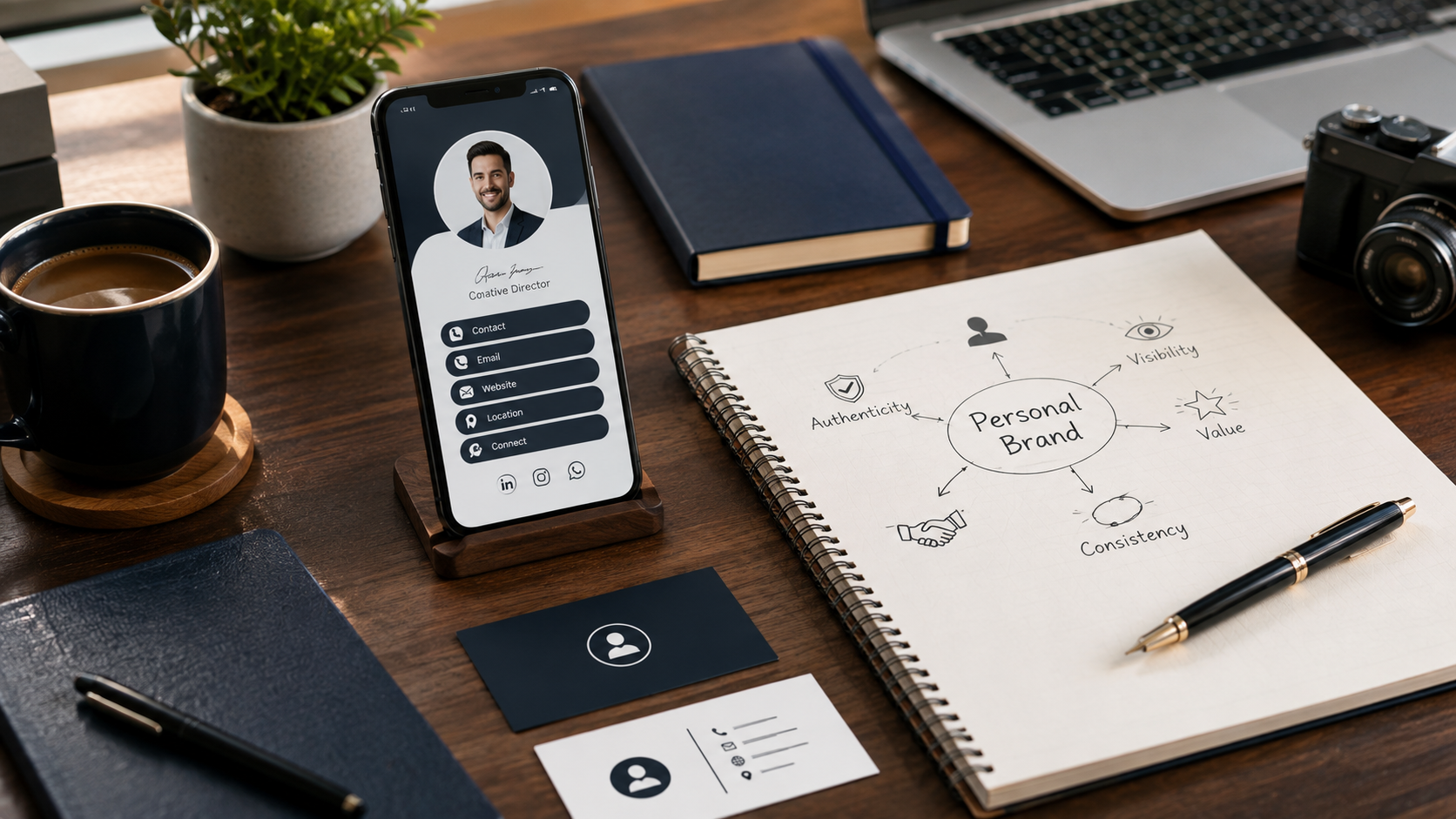
Your company colours, logo and a consistent font personality instantly communicate maturity. A freelancer who sends a cluttered, mismatched card spends the next conversation explaining their brand. One that mirrors the brand palette, clean spacing and modern styling has already answered most questions before the words begin.
Pro tip
Consistency wins over flash. If your website, LinkedIn and card all feel like they belong to one brand, you will be remembered as thorough, honest and put together — three adjectives customers love.
Structure the card for real decisions
People rarely read a card; they scan it. So the information should be ordered by what they do with it:
- 1Who you are — name, designation, company.
- 2How to reach you — phone, WhatsApp, email, website.
- 3Where to find more — social profiles, services, location.
- 4What to do next — save contact, scan the QR, book a call.
This ordering matches how people actually interact with a live card, in person or through a screen, making the card feel effortless.
Keep every contact channel reachable
The most common card mistakes are missing channels and broken links. Before you share, check that your phone number dials with one tap, your email opens with one tap, your website loads, and your social handles actually belong to you. A card with a single dead link is a memory of an awkward moment — not a card that gets remembered for the right reason.
Let the studio design it for you
The VynkCard studio builds your professional digital card around your brand, and keeps it updated for you.
Create My VynkCard