How to Share a Digital Business Card on WhatsApp Without Losing Context
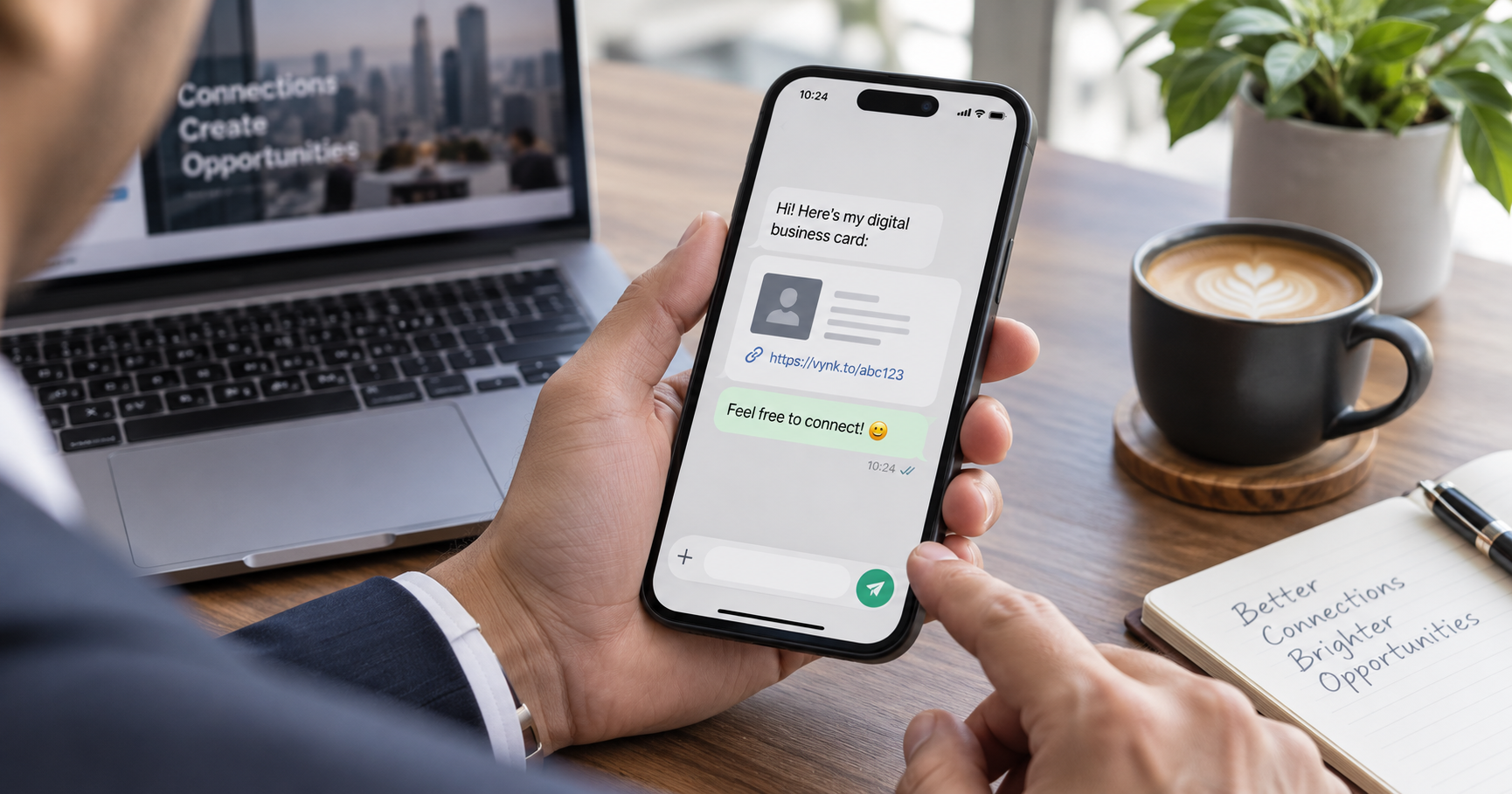
WhatsApp is powerful for business networking when your card link arrives with context, a clean preview and a clear next step.
Sharing a digital business card on WhatsApp is easy. Sharing it well takes a little more care. The link should arrive with a short message that reminds the person who you are and why the card is useful.
Write a helpful one-line intro
Instead of sending only a link, add context: 'Great meeting you at the showroom today. Here is my digital card with my contact details and services.' This makes the preview feel intentional instead of random.
Use the preview to reinforce your identity
- Keep your card title clear and professional.
- Use a thumbnail that looks trustworthy on mobile.
- Make sure your WhatsApp, call and save-contact actions work.
- Avoid sending too many links in the same message.
Add it to WhatsApp Business too
Your VynkCard link can sit in your WhatsApp Business profile, quick replies and follow-up templates. That gives every conversation a reliable contact destination without retyping the same details.
Make WhatsApp follow-up feel professional
Create a VynkCard and share one clean card link in every customer or networking conversation.
Create My VynkCard