QR Business Card: How One Scan Makes Networking Faster
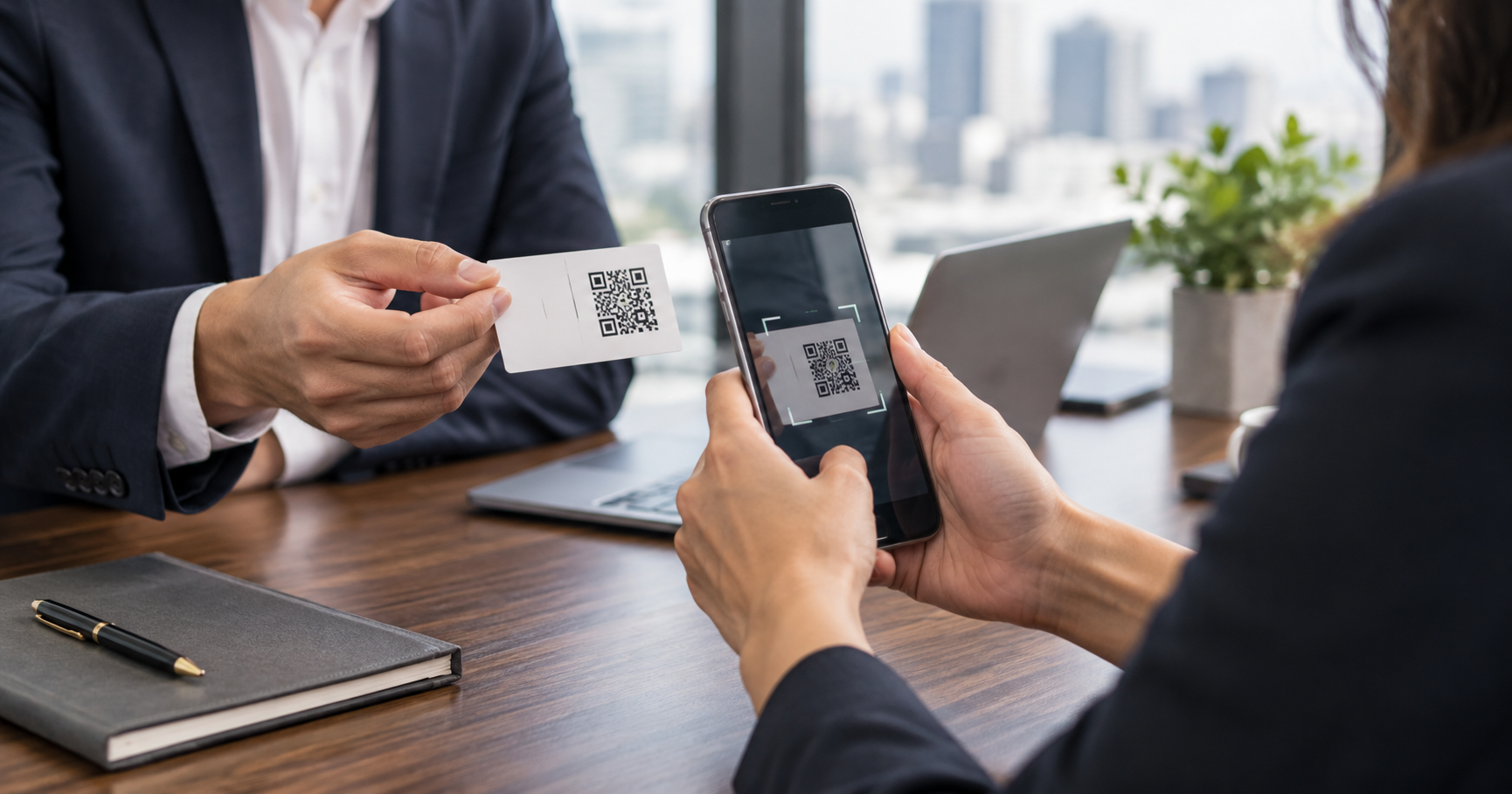
A QR business card removes typing, searching and paper clutter from networking by opening your digital card in one scan.
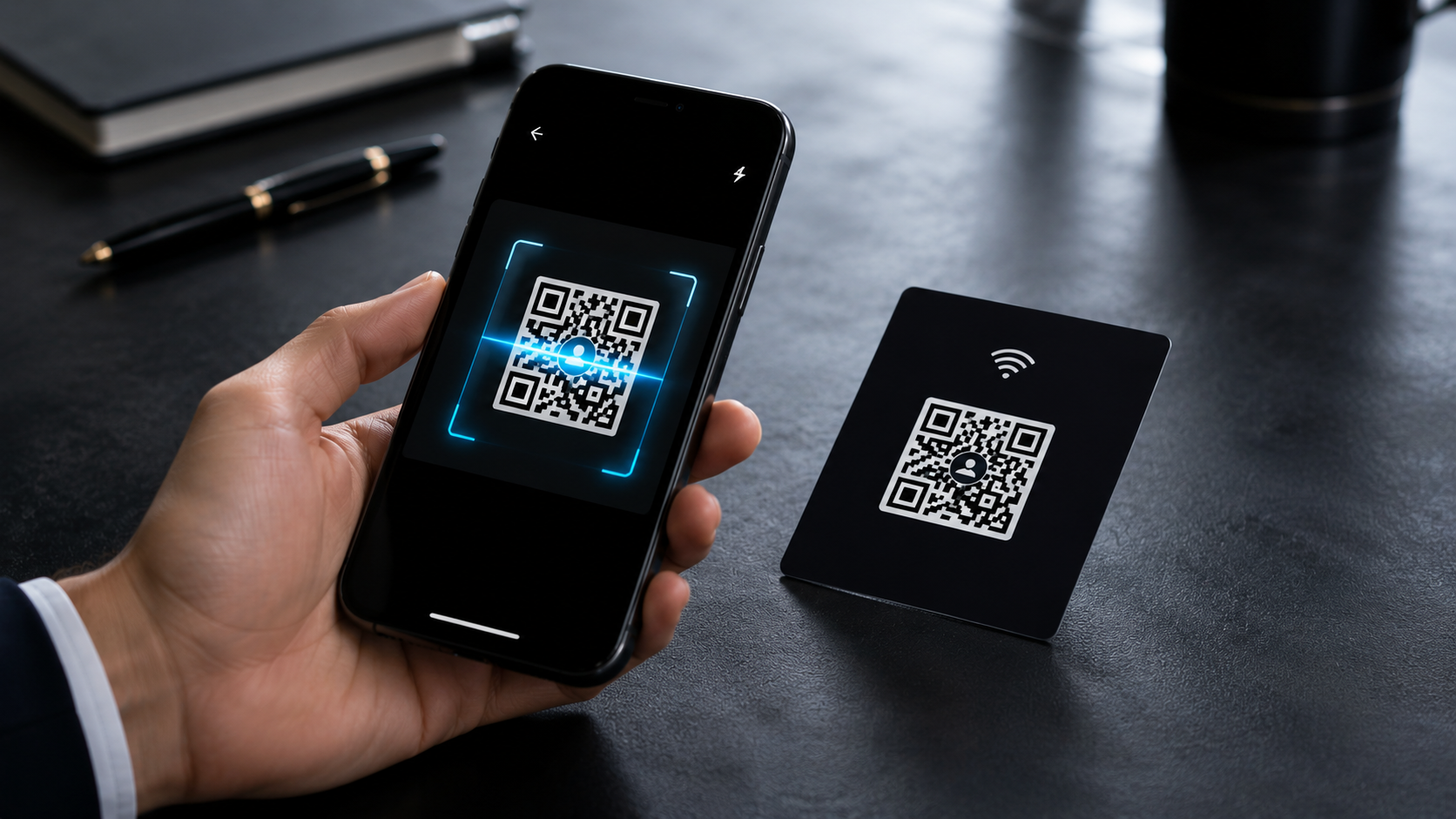
A QR business card connects the physical moment of meeting someone with the digital action of saving their details. The person scans your code, opens your card and gets the correct contact information without typing a number or searching your name.
How a QR business card works
- 1Your digital business card gets a unique URL.
- 2That URL is turned into a scannable QR code.
- 3You place the code on your phone, print card, standee, brochure or email signature.
- 4A new contact scans it and opens your live card instantly.
Where QR cards perform best
- Business meetings where the contact exchange happens at the end.
- Trade shows where visitors move quickly between booths.
- Real estate site visits where clients need your card later.
- Clinics, salons and service counters where repeat contact matters.
Pro tip
Add a short caption near the code. A simple line like 'Scan to save my card' improves clarity more than a decorative QR placement.
Make the landing page worth the scan
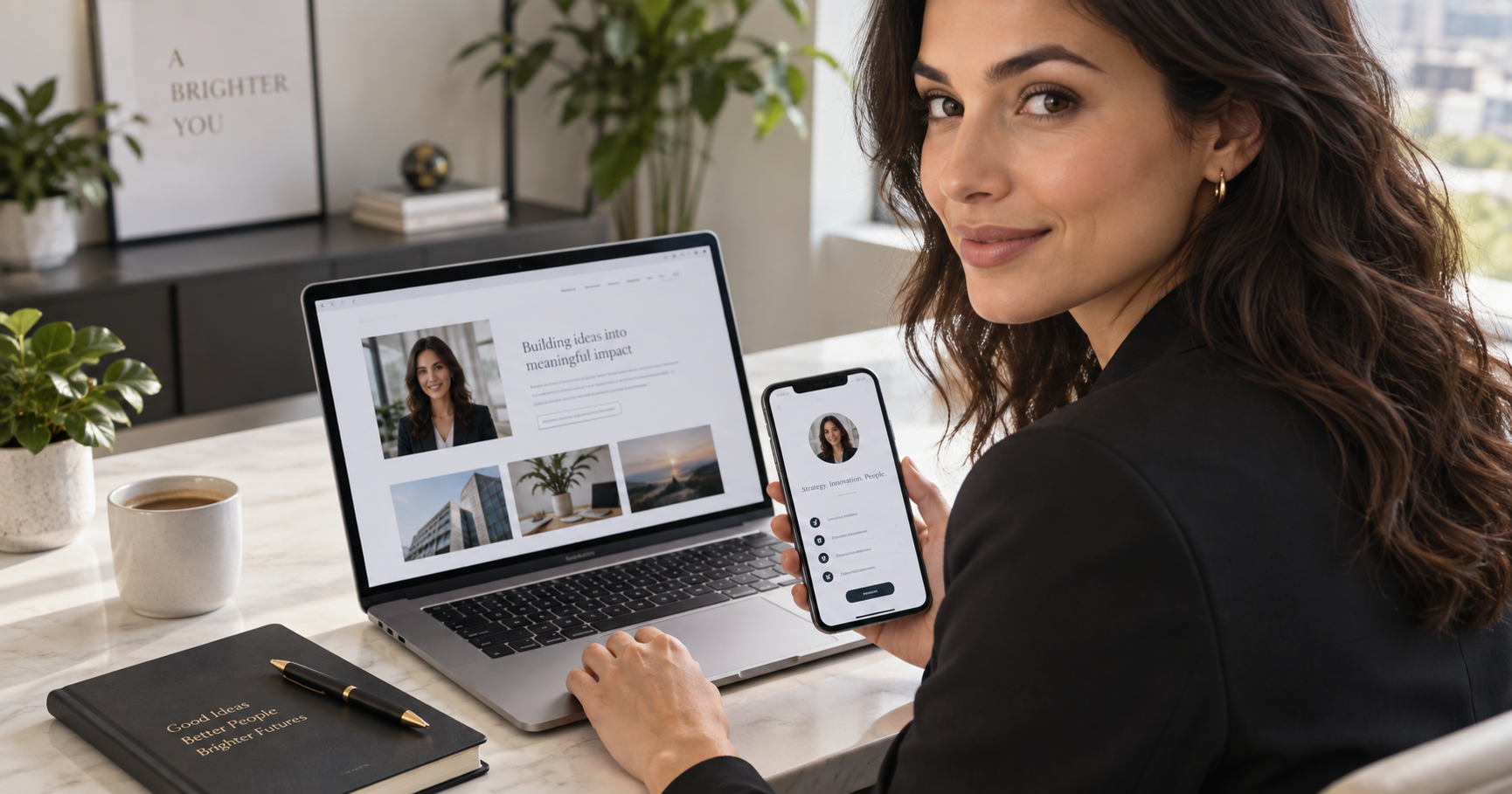
The QR code is only the doorway. The page it opens should be mobile friendly, quick to understand and complete enough to make the scan useful. A VynkCard gives the visitor your identity, contact buttons, social proof and save-contact action on one focused page.
Turn scans into saved contacts
Create a VynkCard with a QR code that works across meetings, print and WhatsApp sharing.
Create My VynkCard