QR Codes for Business: How to Turn One Scan Into a Connection
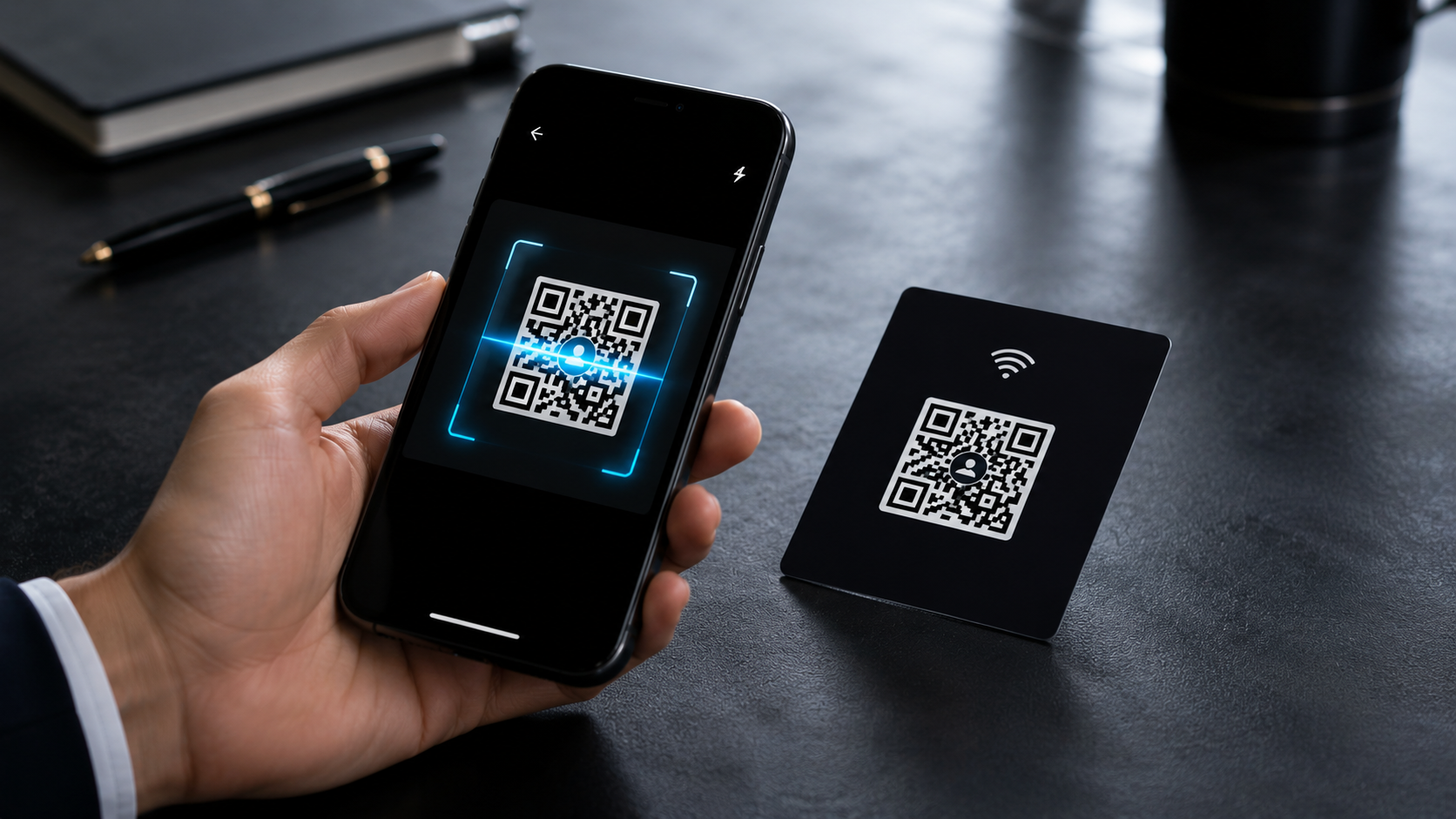
A QR code is an invitation. Ten seconds of sharing your card can later become a meeting, an enquiry, a sale — if the code's placement and the page it opens are right.
QR codes have quietly become the most universal gesture in modern business life: a scan, a vibration-free click, and the phone is already opening your store, your menu, or your card. Yet most business QR codes are treated like decoration — a small square tucked into a corner with nothing guiding the visitor to actually use it.
This article is about turning that single square into a working intake funnel: one scan, one action, and a connection that actually sticks.
One scan, one clear job
The first rule of powerful QR usage: one code, one purpose. If your code opens a page with twenty scattered options, you have given the visitor a decision to make — and decisions are where attention dies. A business card link should do exactly one thing well: present your complete identity with the contact actions front and centre.
Pro tip
Attach your QR code to your VynkCard. Wherever you place it — a brochure, a flyer, a product, a table stand — one scan opens the whole professional story of your brand.
Where QR codes quietly outperform everything
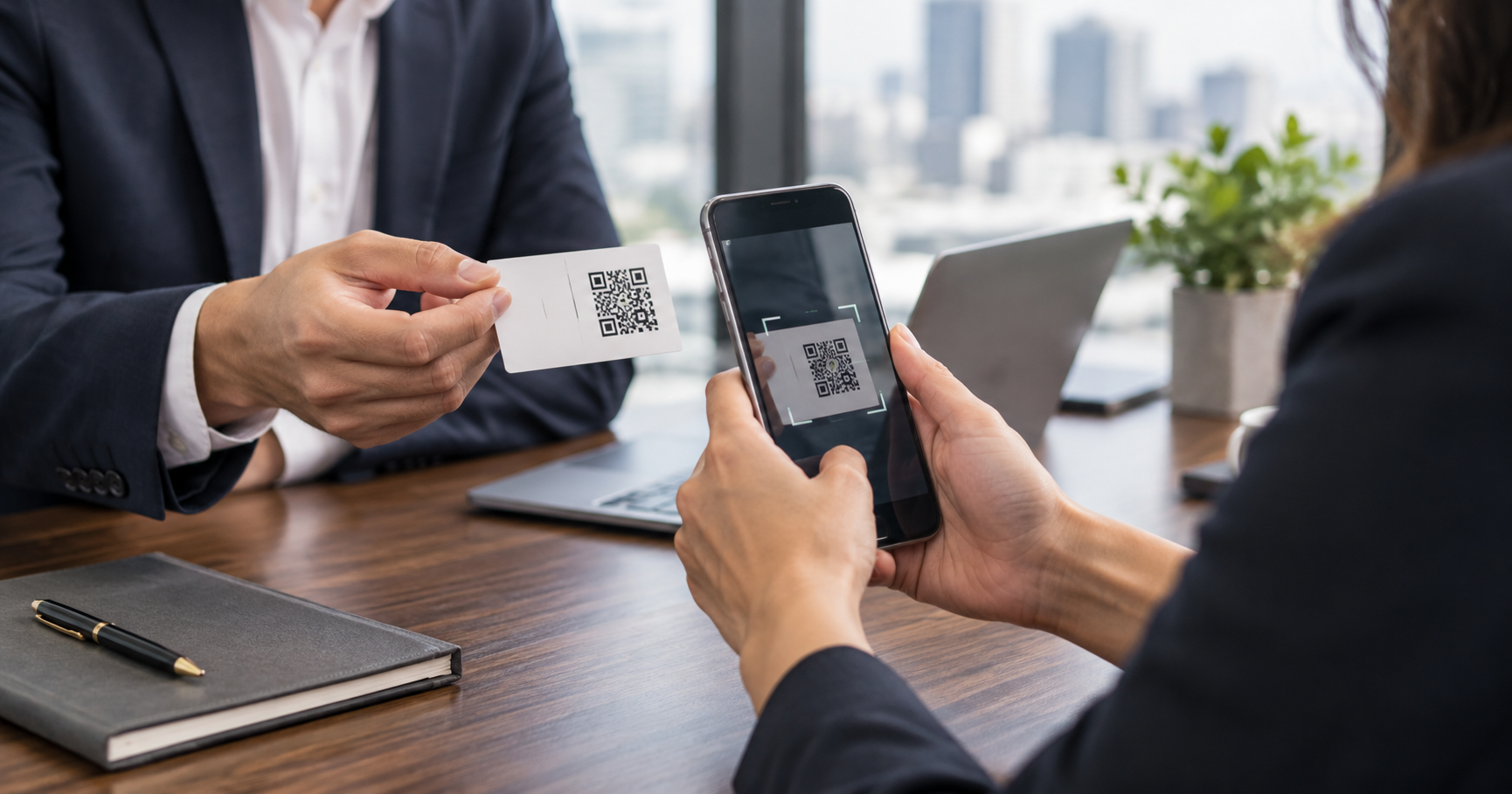
- In-person events: no fumbling for a card, no describing how to find you online.
- Trade shows and exhibitions: a stand QR turns every passer-by into a saved contact.
- Invoices, receipts and product packaging: every transaction becomes a connection.
- Email signatures: every professional message opens a friendly digital introduction.
The common thread is removing friction. The visitor never has to type, search or remember — the code does the heavy lifting.
Design the scan experience
- 1Place the code where scanning feels natural — eye level, on a flat surface, large enough (at least 2×2 cm on print).
- 2Add a short caption under it: “Scan to save my card.”
- 3Test with a real phone — phone cameras are pickier than scanners, and a blurry print frustrates everyone.
- 4Keep contrast high: dark code on a light background, no glossy overlays.
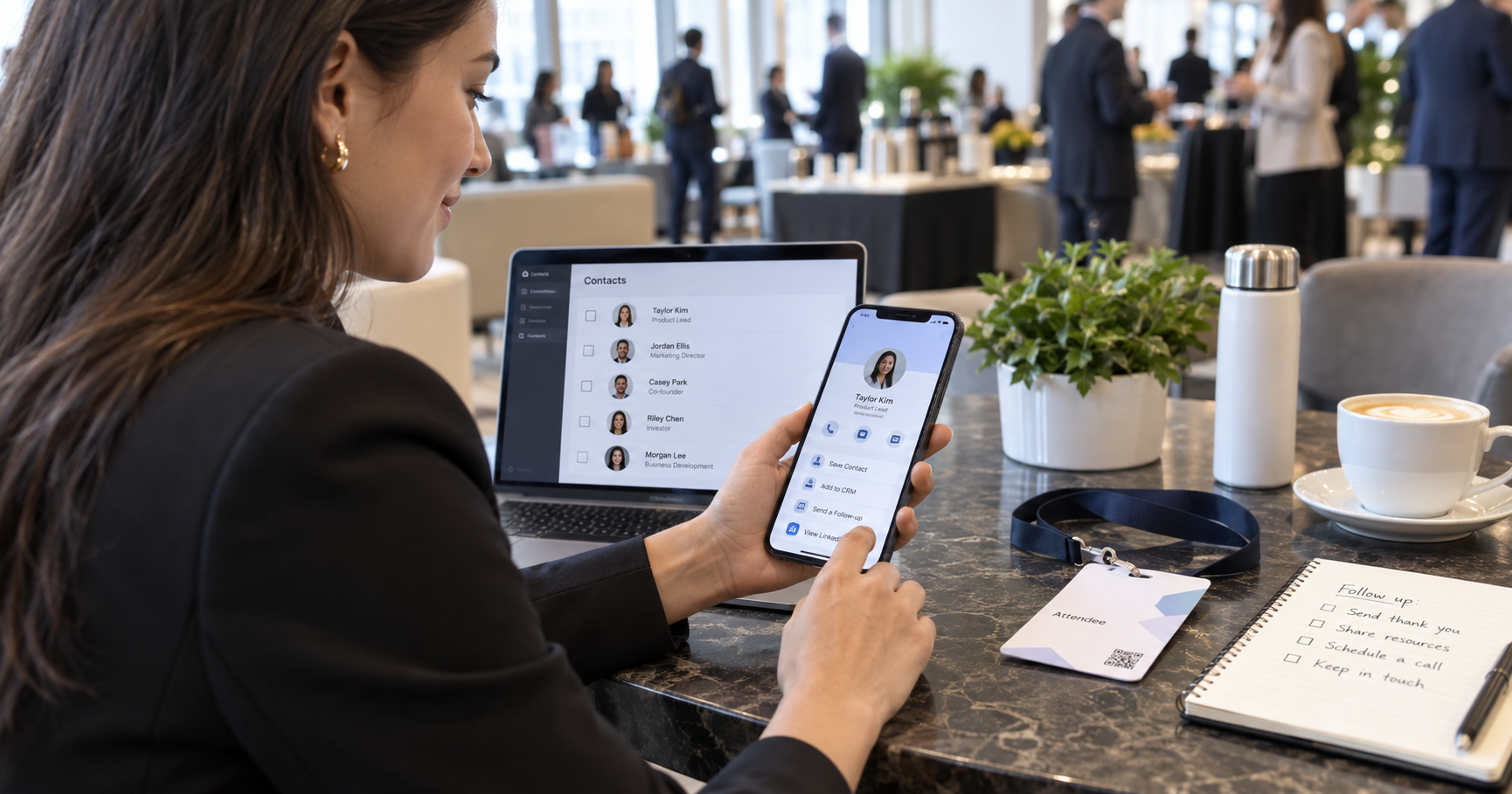
The moment the visitor lands on a mobile experience that matches your brand, the connection solidifies — a contact saved, and a professional impression made.
Analytics turns scans into signals
When your card lives somewhere digital, scans and opens become measurable. Which regions scan your code? Which services get the most taps? Over time these small interactions reveal what your network actually cares about — and that is exactly the kind of insight no paper card will ever give you.
Turn every scan into a saved contact
Your VynkCard ships with a print-ready QR pack and a link that keeps working everywhere you place it.
Create My VynkCard