What Should You Include on a Digital Business Card?
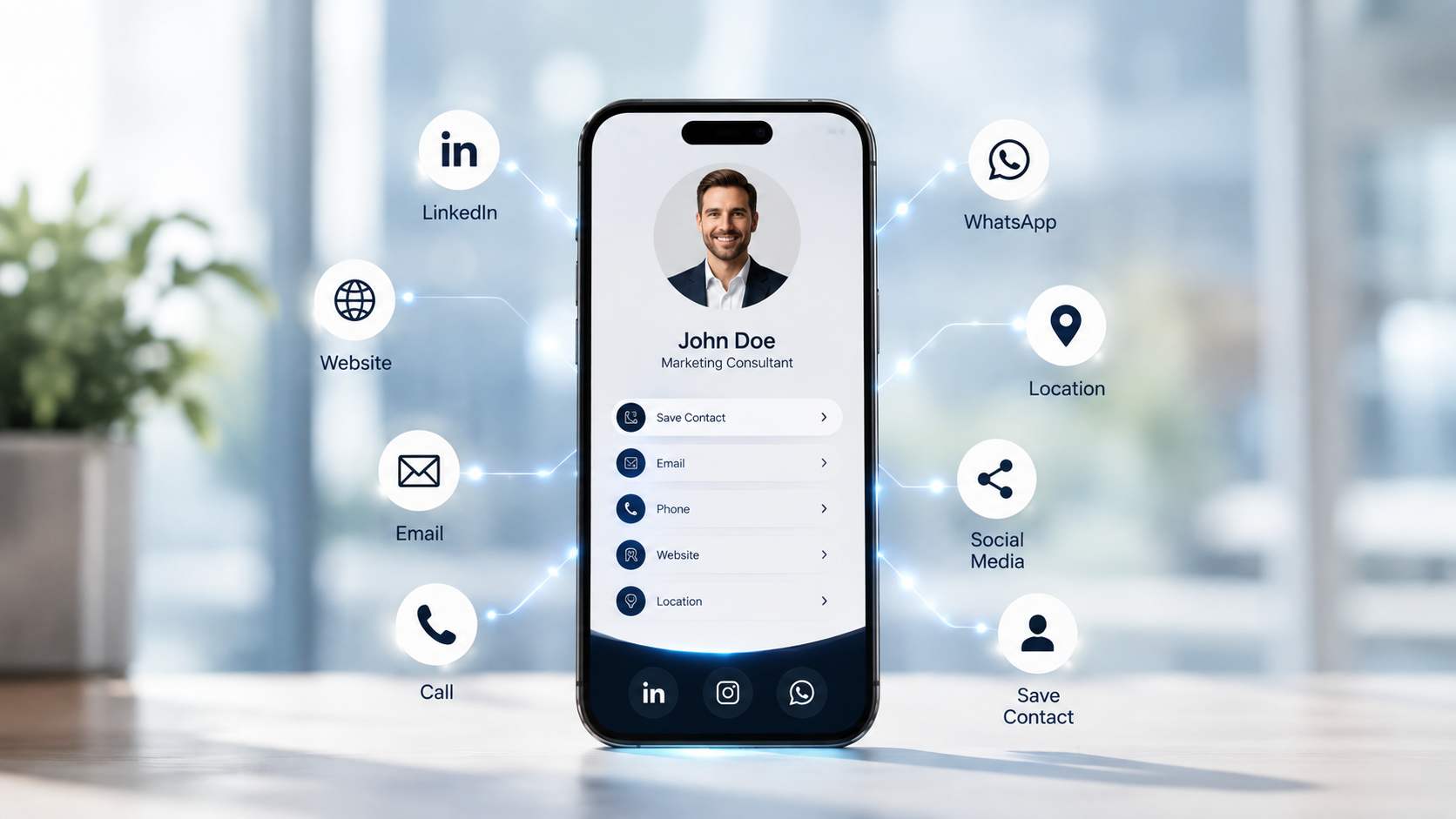
The best digital cards are stripped down to essentials — everything the person actually needs on a single screen, and nothing they will have to search for.
A digital business card is a design question disguised as a data question: what fills the limited attention of the person you want to connect with. Too little, and they click away. Too much, and they drown in options. The goal: everything reachable, nothing irrelevant.
The core you always need
- Name — the base of every interaction.
- Designation — your clear professional identity.
- Company — or the trusted message behind you if you are independent.
- Phone — a tappable number.
- WhatsApp — the modern default place to talk.
- Email — the channel you honour for professional follow-up.
- Website — your official story.
The channels where people actually meet you
- Social profiles: Instagram, LinkedIn, X — formatted consistently.
- Services and products: what you do and offer, easy to scan.
- Location: for local businesses, a map link, not an address string.
Pro tip
Every item must be functional. If it cannot be tapped into an action, do not include it. The highest-quality card is the one where everything actually works.
The components that make the card smart
- QR code — a printable proof you can share and scan anywhere.
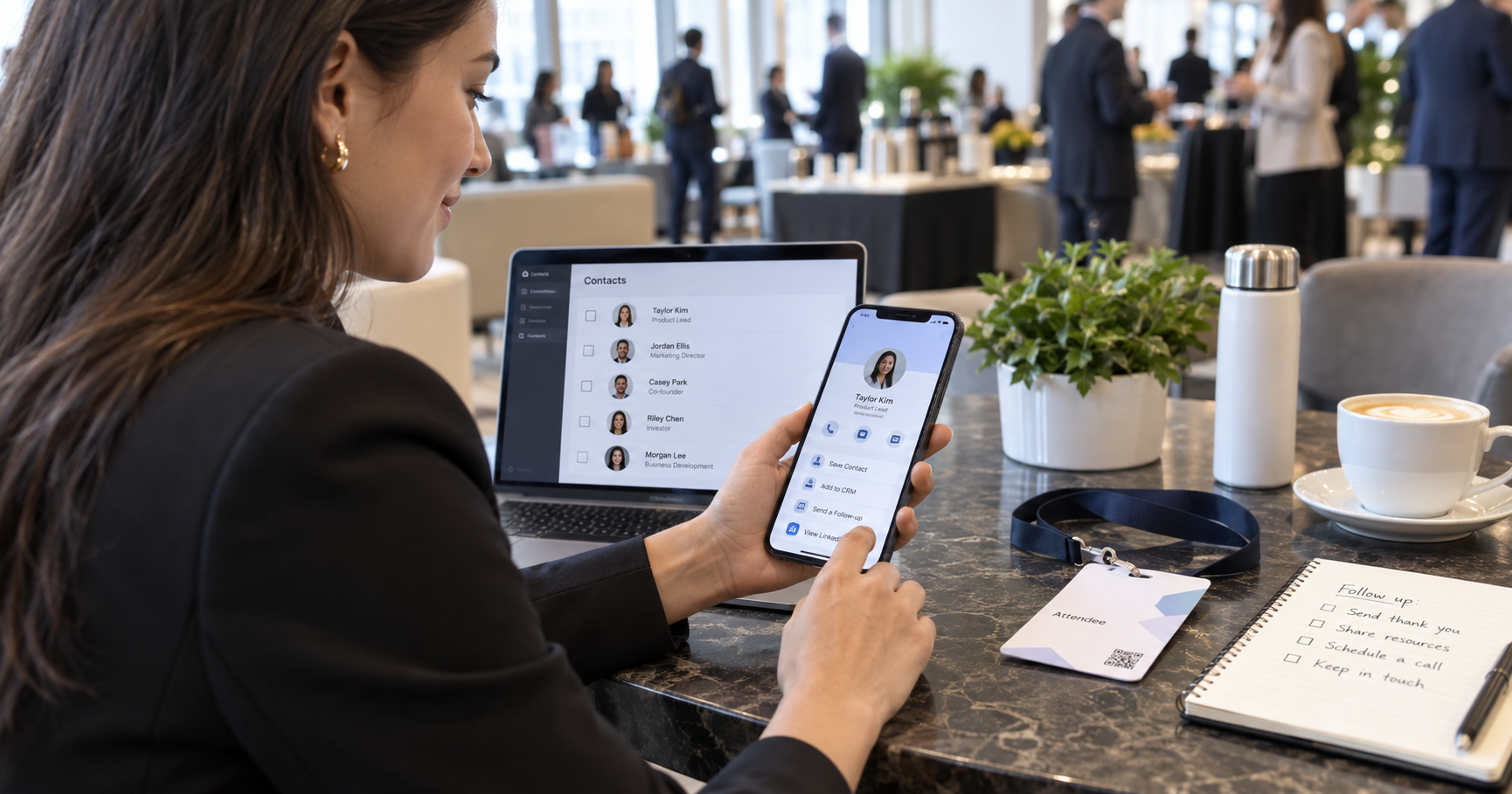
- Save contact — one tap to add the person to their phone book.
“Save contact” is often what makes digital identity click: instead of asking someone to keep a link, they get a real, typed contact in their phone. That is the difference between a nice profile and a working connection.
And that is everything you need
Resist the urge to fill every row. A perfect digital card is deliberate: a visitor should be able to read it in under three seconds and say, “I know who this is, what they can do, and how to reach them.” That is the whole goal.
Get help choosing what matters
The VynkCard studio helps you structure your card around what your clients actually use.
Create My VynkCard